
Set the deal
What one star means, how many choices a day, the weekly tickets. Written down where everyone can see it, and never changed quietly.
How it works
Paulo is a few seconds of help in the moment it’s hardest, and then it gets out of the way. Here is everything it does, and why it does it that way.
The loop
Photograph the real thing your child wants. Paulo cuts it out as a sticker and suggests a name, on the device.
One star is a real family promise, like the price of one ride. You also agree how many choices a day.
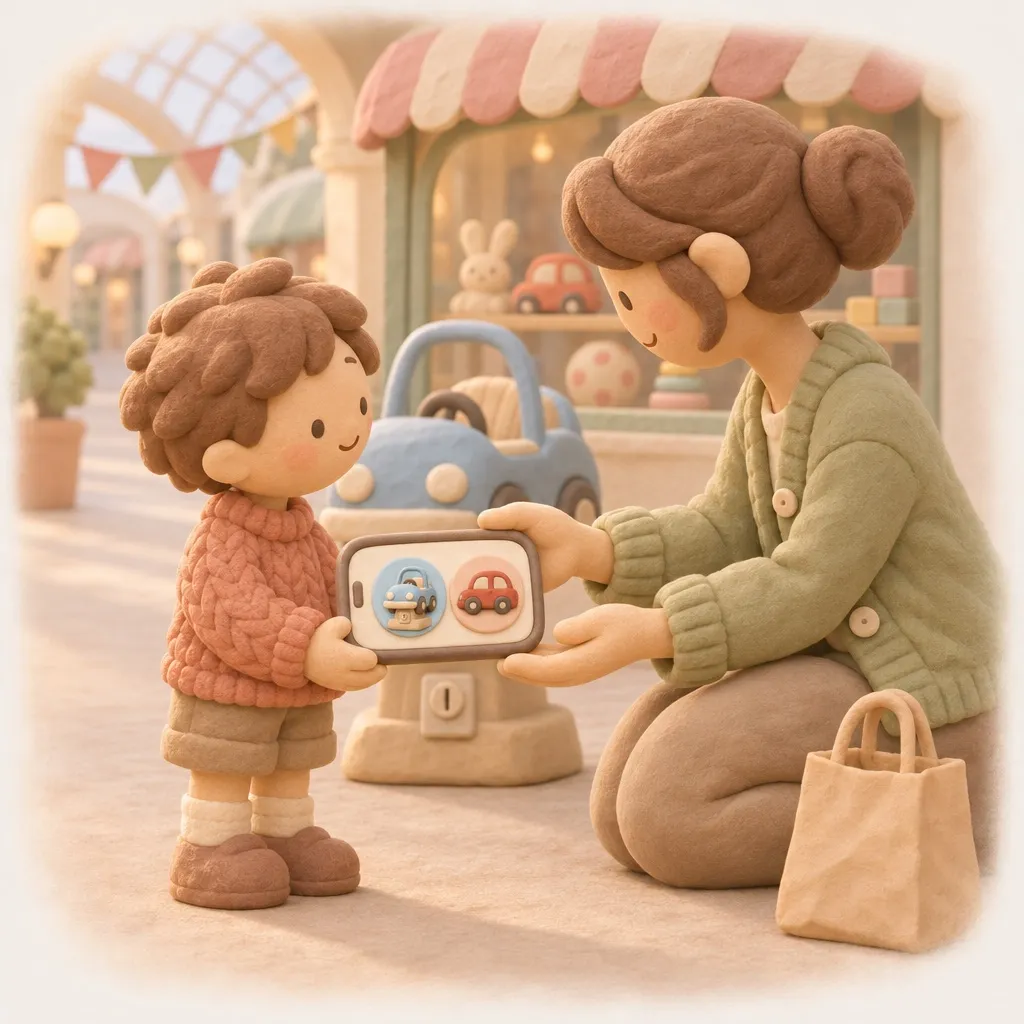
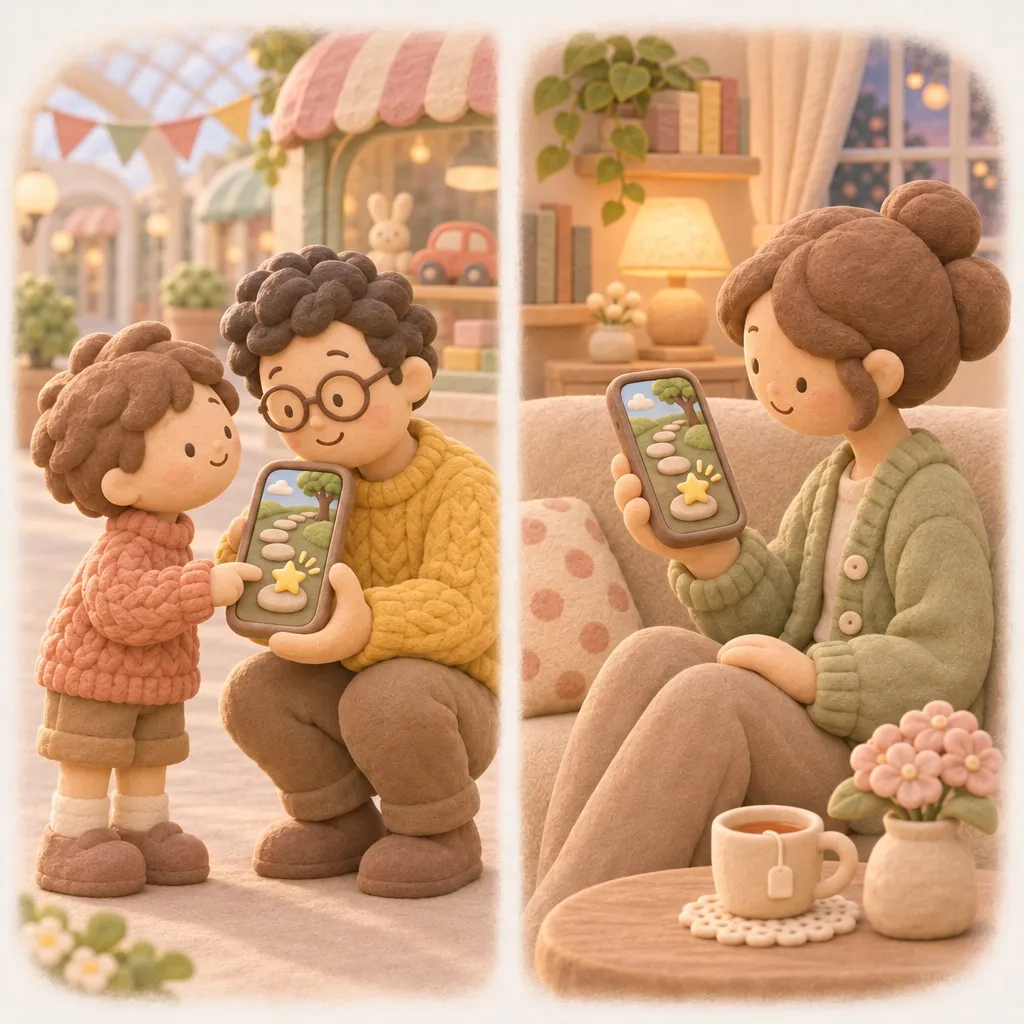
When “I want it!” comes, hand over the phone. A breath, then two equal choices. The child taps.
Saving puts a star on the next stone. Playing gets an equally warm “I chose this today.”
Enough stars? Pick the day. When the wish is really in their hands, take the photo: it came true.
My Trail keeps the things your family chose to keep: wishes that came true, photos, a voice.
The Choice Moment
Inside the app
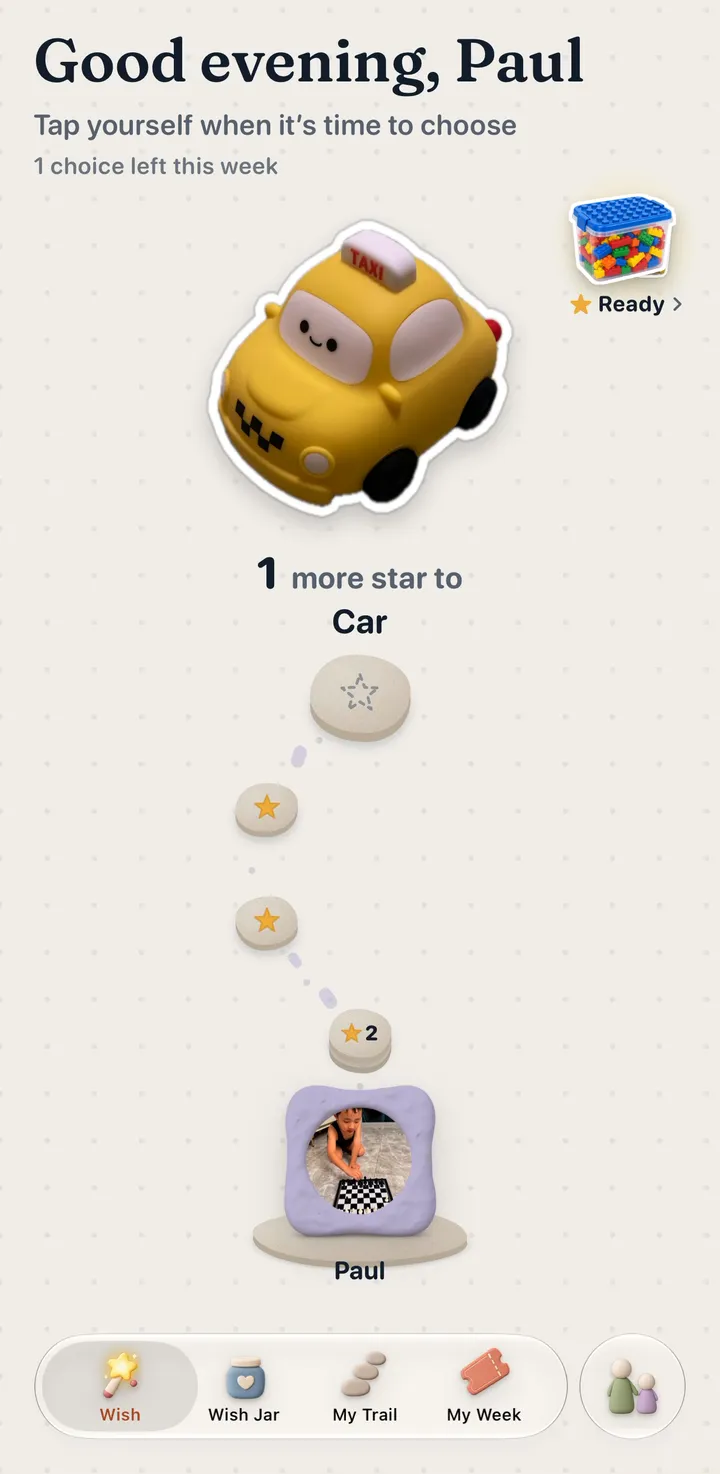
Home is your child’s own wish, big, with the stars still to go as stones on a path. The only instruction: “Tap yourself when it’s time to choose.” The child is the button.
Why: The Choice Moment has to stay neutral, so this is where the wish gets to feel close.
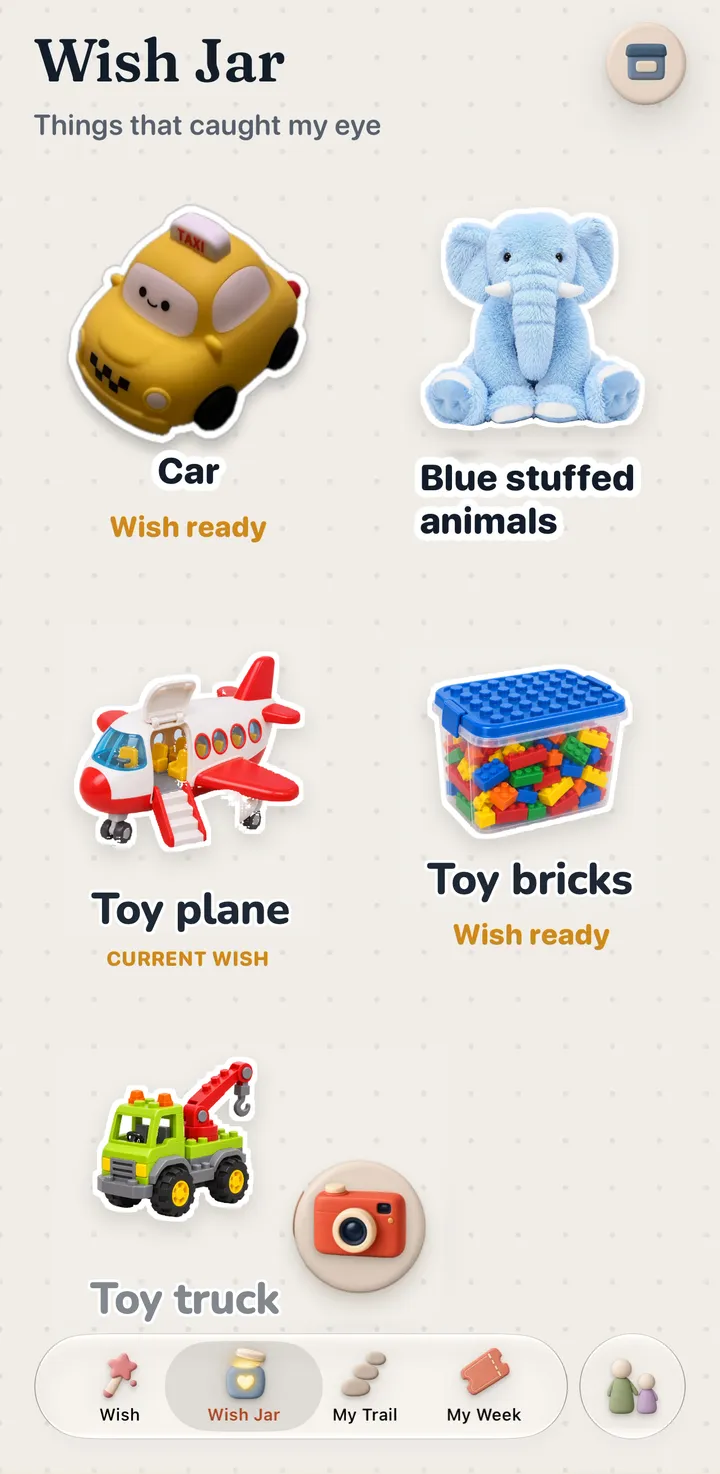
Every wish sticker, in two columns, with the clay camera for a new one. A wish they no longer want can be put away, and their stars stay theirs.
Why: A place for planning and remembering, not a collecting game.
Weekly agreements, like two episodes of TV, become books of paper tickets. Tear one off to use it; a timer can end the turn. New tickets every Monday.
Why: The grown-up sets how many; the child decides when. The book, not a tired parent, says “all done”.
My Trail
What our choices left behind

Car
We got it! · Saturday
★★★★★
What did you do today?

The same path, running back through time: wishes that came true, photos a grown-up adds, a voice note answering “What did you do today?”. It ends with footprints: this is where we are now.
Why: Remembering what you did yourself makes it easier to do again. Only what the family wants to keep goes here; it is not a diary.
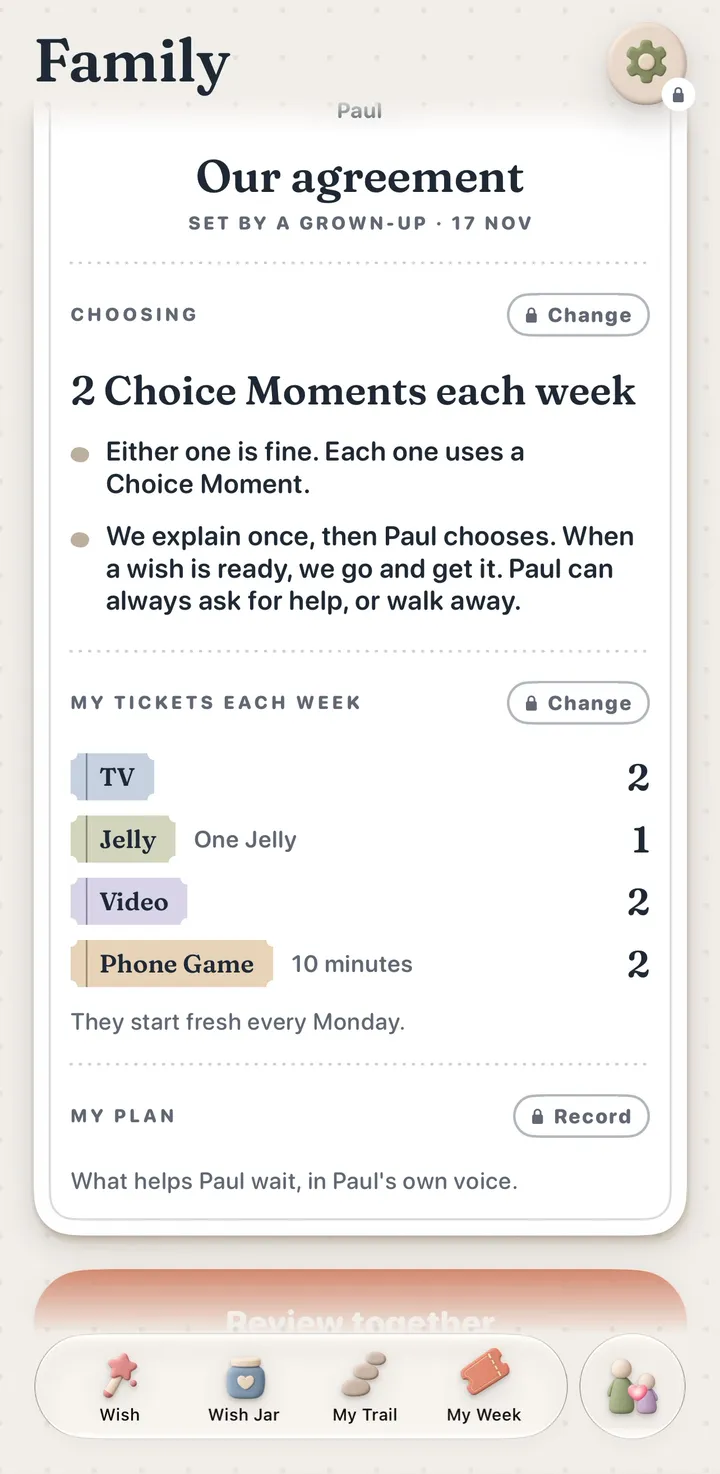
Your family agreement, readable where you edit it. Settings, corrections and anything that spends stars sit behind a parent gate: a sum, or Face ID.
Why: Rules a child can see, that never change quietly, are rules nobody has to argue about.
Your part
What one star means, how many choices a day, the weekly tickets. Written down where everyone can see it, and never changed quietly.
Explain once, offer help if they want it, then let them choose. Before you hand over, Paulo may give you one private line to remember: a reminder, never a push.
When a wish is ready, pick the day and keep it. A promise kept in real life is the whole point.
Made for being out
Long-press the Paulo icon, or ask Siri, to go straight to a Choice Moment or a new wish. The whole ritual takes about twenty seconds.

iPhone · iOS 17 or later · Free for children, forever